This article contains affiliate links. As an Amazon Associate I earn from qualifying purchases.
The mouse that fits neatly into your laptop bag may not be the one you want on your desk all afternoon. Before buying another work accessory, decide which problem you are solving: packing less, switching computers, or finding a shape you prefer for everyday tasks.

This research-based guide compares buying priorities, not measured performance. We have not hands-on tested the products below. Use the checklist to narrow your options before checking the exact listing and return policy.
Quick take
- Choose for your main work location, not every imaginary scenario.
- Confirm Bluetooth support and whether a receiver is included.
- Check handedness and shape before paying for extra features.
- Try ordinary work tasks before deciding to keep a new mouse.
Start with the morning you actually have
Think about the last time you unpacked your laptop. Did your mouse snag on the accessory pouch? Did you forget a receiver? Or did you settle into the same desk where it could have stayed overnight?
Write down one sentence: “I need a mouse for short sessions between locations,” or “I need a mouse that stays at my main desk.” That answer will not identify a perfect product, but it stops portability and desk use from competing without a clear priority.
For a commuting setup, also check where the mouse will go. A shallow sleeve pocket and a separate accessory compartment create different constraints. Measure your available space rather than relying on a product photo to communicate size.
Check the connection before the design
Microsoft explains that a Windows computer needs Bluetooth capability to pair with a Bluetooth device. If it does not have Bluetooth built in, an appropriate USB Bluetooth adapter can add it. Check your computer first instead of discovering the missing connection after delivery. Source: Microsoft pairing instructions.
Then read the mouse listing’s “in the box” section. Receiver support and an included receiver are different things. If you intend to use a receiver, verify the exact compatible model and the connection available on your laptop or dock.
On a managed work computer, ask your IT team about peripheral and software rules before buying. A feature that depends on software you cannot install should not be the reason you choose one product over another.
Choose a shape for your own use
Compare the shape of your current mouse with what you want to change. Do you want something flatter for packing, a different grip, or easier access to frequently used buttons? Keep those observations specific rather than assuming that a category label guarantees a better experience.
If possible, handle a display model. If you are buying online, confirm the seller’s return terms and keep the packaging. A new shape may suit your preferences, but a manufacturer description cannot establish how it will feel to you. This guide makes no claim that changing mice will treat pain or prevent injury.
Two models for different priorities
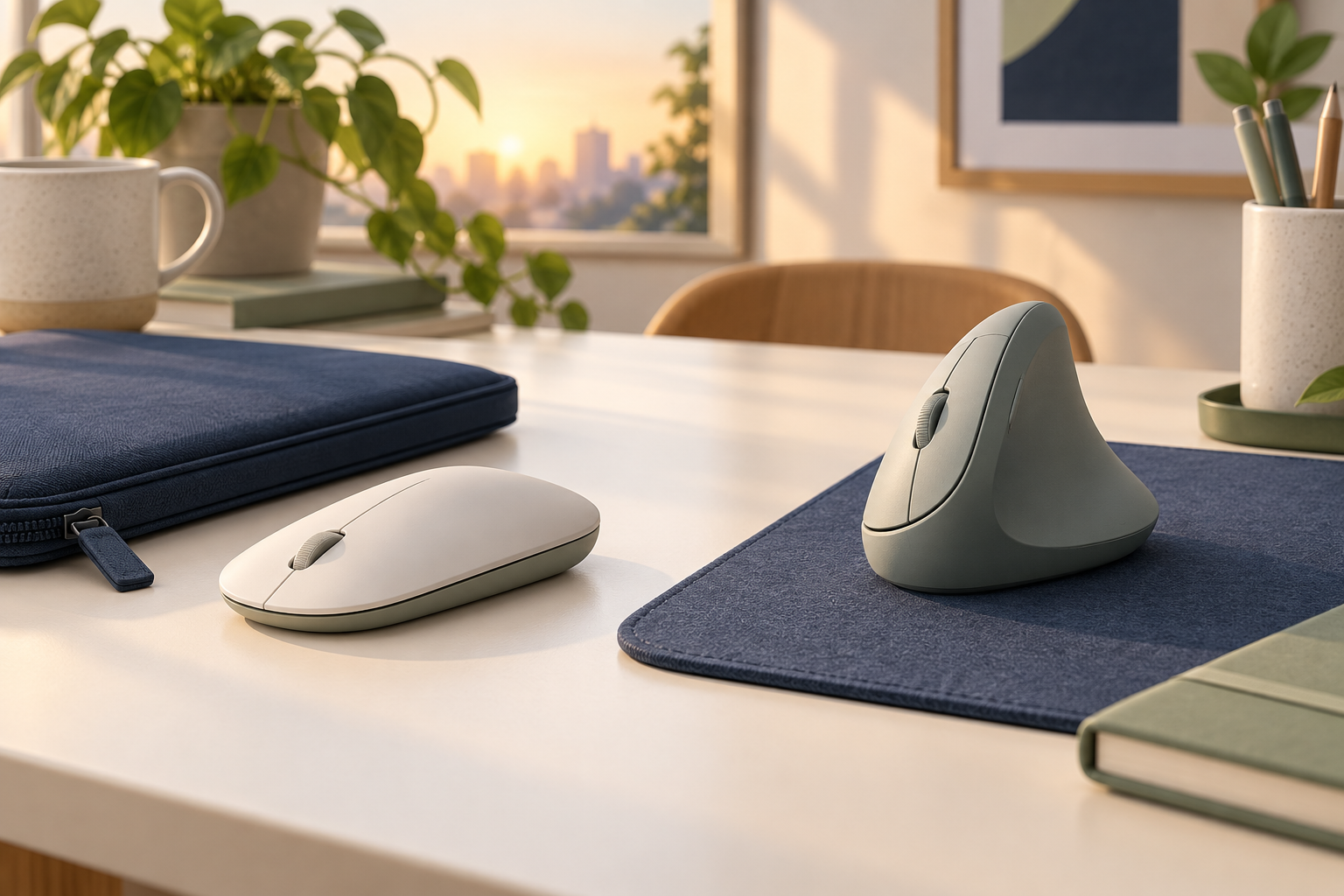
For a compact bag setup: Logitech Pebble Mouse 2 M350s (Black). Logitech describes this model as a slim Bluetooth mouse and lists switching between three paired devices. That makes it a candidate if portability and moving between computers are your priorities. It is the M350s, not the original M350; check the full model name. Source: Logitech product page.
Before choosing it, decide whether switching devices will actually be part of your day. If you use one laptop for everything, that feature may contribute little to your decision. Give packing size and your preferred shape more weight.
For trying a different desk shape: Logitech Lift (Off White). Logitech positions Lift for small to medium hands and offers right- and left-handed versions. Its vertical design makes it a distinct alternative to a flat travel mouse. Choose the correct handedness and review the size guidance before ordering. Source: Logitech product page.
These are comparison candidates, not a ranked list. Lift is worth investigating when its shape interests you; Pebble is worth investigating when packing space matters. Neither needs to replace a mouse that already works well for your routine.
Do a practical first-day check
Set up the mouse before your next busy morning. Follow the manufacturer’s pairing instructions, then use the same apps you normally open: a document, a spreadsheet, your browser, and a video-call window.
Notice whether you can reach the buttons without changing your grip, scroll as you expect, and move between your actual workspaces. If you bought it for travel, pack it into the intended pocket once. If you bought it for your desk, check it in that setup rather than judging it only on the kitchen table.
Keep the decision simple: correct connection, suitable shape, useful features, and an easy place in your routine. That is a more practical buying checklist than chasing the longest specification sheet.